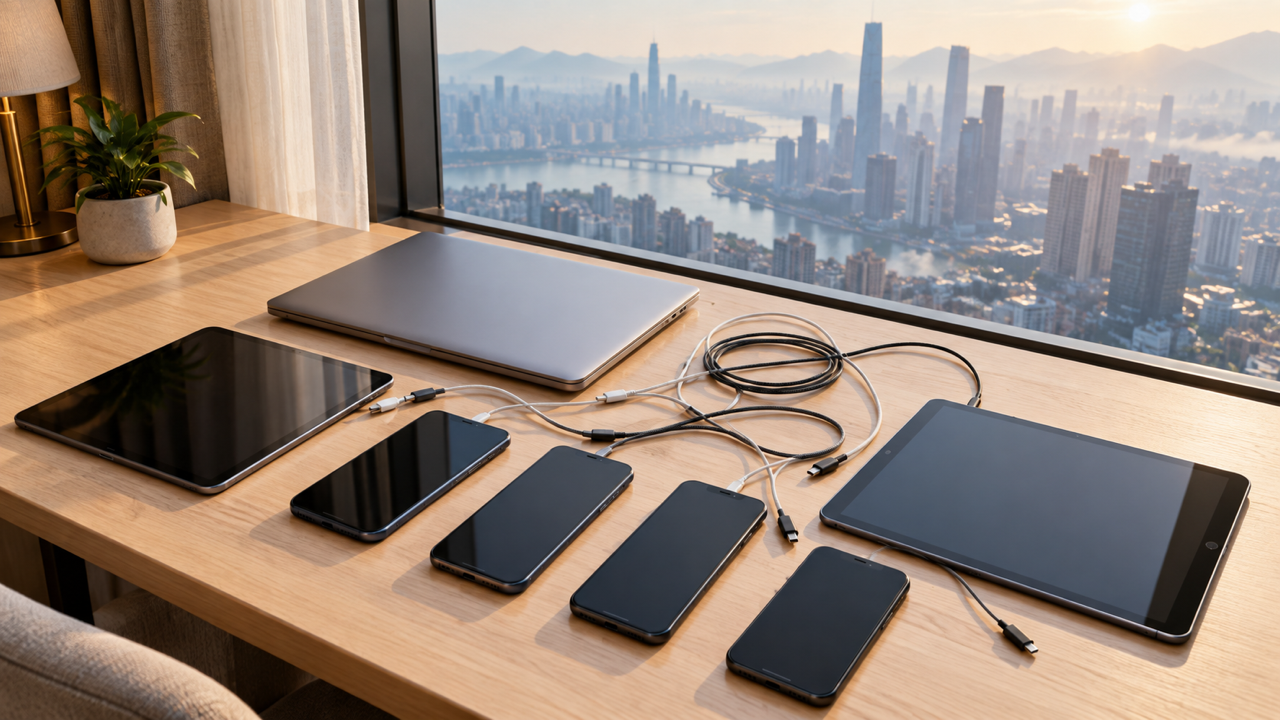
A family’s devices run into three limits on a trip, and each limit counts something different. Everything below was read on 1 October 2026 from the providers’ own help pages, pricing pages and terms.
What each limit counts
| Limit | What it counts | The published number |
|---|---|---|
| Travel eSIM | Devices carrying the plan | One plan per device, at Saily, Ubigi and Nomad alike |
| Hotspot | Devices joined to one phone | Up to 10 other devices on Android; on iPhone it depends on the carrier and model |
| VPN | Devices connected at once | NordVPN 10, Proton VPN Plus 10, Proton Free 1, Surfshark no stated limit |
Every phone needs its own eSIM
No travel eSIM provider we read lets one plan run on two phones. Saily’s help centre states the general rule: “Most eSIM plans are for a single device and cannot be installed on more than one at the same time.” Nomad’s blog says: “No, you cannot install the same eSIM profile on multiple devices simultaneously.” Ubigi puts it as a formula: “1 eSIM = 1 Ubigi account = 1 device.”
A family of four with four phones that each need data buys four plans, whichever provider it uses. The providers differ in the admin:
| Provider | Accounts | Moving a plan to another phone |
|---|---|---|
| Ubigi | A new account with a different email address for each device | Its page says a plan bought under your account cannot later be transferred to another account |
| Nomad | Not stated on the pages we read | “Nomad travel eSIMs are one-time install profiles. Once activated, they cannot be transferred to a new device.” |
| Saily | “Your Saily account supports multiple eSIMs” | Can be reinstalled on a different device when signed in to the app with the same email |
Ubigi’s rule bites hardest on a family. Each device’s eSIM needs its own account, and for a plan bought for someone else, Ubigi says “They must create their own Ubigi account with their own email address.” A child with no email address needs one before the eSIM can be set up.
If one parent wants to hold every plan, Saily, which keeps every eSIM under one account, is the provider whose help centre describes exactly that: it lists adding “an eSIM to another device” as a reason to buy an additional one. That makes the admin easier and does not make data cheaper. Each phone still needs its own plan, and you still choose the plan size.
Nomad’s two blog posts disagree on whether a deleted eSIM can go back on the same phone. One says Nomad eSIMs “generally allow reinstallation on the same device”. The other says that once deleted “the profile cannot be reinstalled with the same QR code”. Do not delete a Nomad eSIM to troubleshoot it.
One phone as the family hotspot
Tablets without a SIM slot, laptops and games consoles can ride on a parent’s phone. For permission, battery cost and settings, see our guide to sharing one plan across phones.
The count. Google’s Android Help: “You can share your phone’s mobile data with up to 10 other devices via a Wi-Fi hotspot.” Apple gives no figure: “The number of devices that can join your Personal Hotspot at one time depends on your carrier and iPhone model.” None of the Saily, Ubigi or Nomad pages we read states a cap. Nomad’s own list of cons for hotspot use includes “limited speed with many connected devices”, which is the practical ceiling long before ten.
The data. Netflix publishes its figures “per hour, per device”:
| Netflix setting | Data per hour, per device |
|---|---|
| Low | up to 0.3 GB |
| Medium | up to 0.7 GB |
| High definition | up to 3 GB |
| Ultra high definition (4K) | up to 7 GB |
Two children each watching two hours in high definition on a train can use up to 12 GB from one plan in an afternoon. On Low, the same four hours is up to 1.2 GB. Netflix says “You can have different data usage settings for each profile on your account”, so set the children’s profiles before you leave. Download episodes on hotel Wi-Fi rather than streaming them over the hotspot.
Apple adds that on a hotspot “you might not be able to make an iCloud backup or upload photos to iCloud Photo Library”. That holds back the largest background job on a joined Apple device.
VPN connections across a family’s devices
Our count of what each VPN covers published the device numbers on 15 September 2026. The same pages, read again on 1 October, give the same numbers:
- NordVPN: “Protect up to 10 devices at once with a single account.” Its plans are now named Basic, Complete and Complete Max, and the pricing page lists “10 devices secured at once” on all three.
- Proton VPN: “Secure 10 devices at a time” on VPN Plus, and “Secure 1 device at a time” on Proton Free.
- Surfshark: “Access the web safely and privately on unlimited devices.” Its terms confirm “an unlimited number of simultaneous connections (except for Antivirus service)” and keep a Fair Usage Policy that allows limits on “an immoderate number of simultaneously connected devices”.
A typical family of four has four phones, two tablets and two laptops, which makes eight. That is under ten, so all three cover it and unlimited adds nothing. An e-reader or games console that never runs the VPN app does not count.
The count crosses ten sooner than people expect. A family of five with a phone each, three tablets, two laptops and a work laptop is at eleven. For that household, Surfshark, which states no device limit, solves a real problem. Its pricing page puts the pitch in family terms: “Connect & use all your family devices simultaneously.” Two caveats come from the same terms:
- The Fair Usage Policy names “unauthorized resellers” and “organizers of illicit activities” as its targets, which describes a reseller, not a family of five.
- If you buy a bundle for the antivirus, “Surfshark Antivirus service allows a maximum of five simultaneous connections per account”, so the antivirus does not stretch to every device the VPN covers.
A travel router runs the VPN once for everything behind it, which is the other way past ten. The device-limit guide covers how that works and what to ask your provider before relying on it.
Chargers and plugs
Eight devices means eight things to charge overnight, often from one hotel socket. One multi-port charger with enough wattage for the laptops does more than a bag of single bricks. Power banks travel in the cabin, never in checked bags. The adapter, voltage and airline battery rules are in plugs, power banks and the rules that bite.
Before you fly
- Count the devices under each limit. Phones needing data, devices that will ride the hotspot and devices that will run the VPN app are three different lists.
- Buy one eSIM per phone, and decide who holds the accounts. At Ubigi that means one email address per device.
- Set the children’s streaming profiles to a low data setting and download what they will watch.
- Sign every device in to the VPN at home. If your household comes to eleven or more and you are choosing a provider now, check Surfshark’s plan page before you pay for ten. If it comes to ten or fewer, keep the subscription you have.
- Keep the eSIM account details on more than one phone. If a child’s phone breaks mid-trip, Saily lets a plan move to a different device when the app is signed in with the same email. Nomad’s blog says its eSIMs cannot move once activated.
What we could not verify
- No travel eSIM page we read states how many devices its plans will hotspot to, so the phone’s limit is the only published one.
- Apple publishes no number at all.
- We have not checked whether a VPN running on the hotspot phone protects the devices joined to it, and none of the VPN pages we read says so. Ask the provider before relying on it.
We have an affiliate arrangement with Surfshark and Saily and earn a commission if you buy through our links. NordVPN, Proton VPN, Ubigi and Nomad are named on this page without affiliate links.
Surfshark, which states no device limit Our full write-up. (affiliate link)
Saily, which keeps every eSIM under one account Our full write-up. (affiliate link)